Broadcast to Millions on WhatsApp
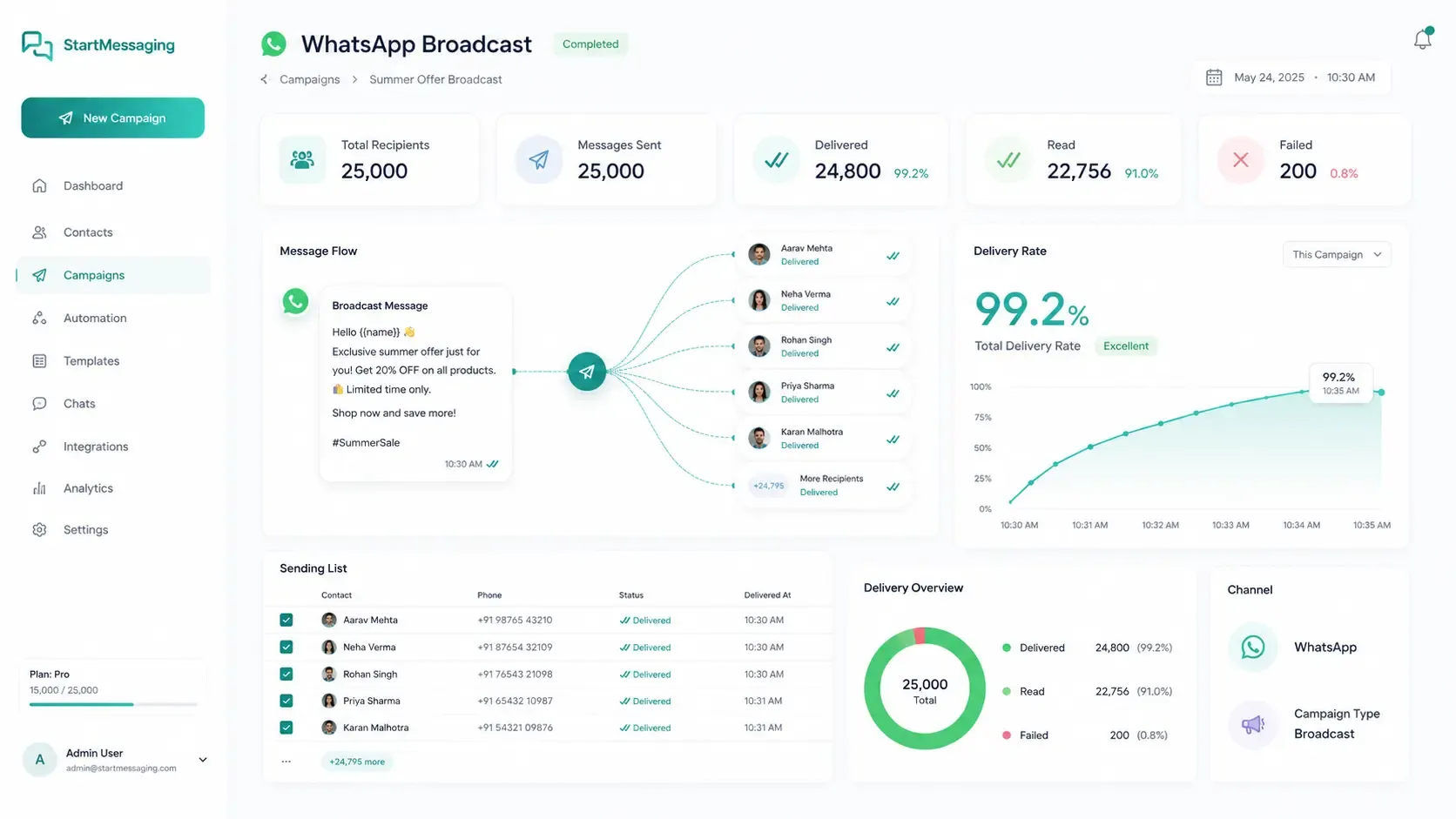
Send templated messages to thousands of opted-in contacts with real-time delivery tracking, rich media support, and intelligent throttling — all via a single API call.
✦ No credit card required · Free plan available · Setup in 5 minutes
Official, Zero-Ban Risk Broadcasting
StartMessaging utilizes Meta's official Cloud API structure. By sending pre-approved templates (Utility, Marketing, or Authentication) to opted-in audiences, you bypass the spam filters that trigger number bans. Our intelligent system manages delivery rates dynamically to keep your sender score high.
- Supports up to 100K+ contacts per broadcast
- Rich media support: images, documents, interactive buttons
- Real-time delivery confirmation and read receipts
Broadcast vs. Campaigns vs. Unofficial Spam Blasting
Why choosing official broadcasts protects your brand reputation and phone number.
| Comparison Metrics | StartMessaging Broadcast | Sequence Campaigns | Unofficial Web Scrapers |
|---|---|---|---|
| Setup Time | Instant (Direct API) | Instant (Sequence Flow Builder) | Requires manual web login |
| Opt-In Compliance Checks | Required | Required | ✗ (High spam rate) |
| Delivery Speed | Up to 80 messages/second | Throttled based on trigger rules | Very slow (manual delays) |
| Phone Number Ban Risk | 0% (TRAI/Meta Compliant) | 0% (TRAI/Meta Compliant) | 99% (Immediate number block) |
Trigger a Broadcast Message Programmatically
curl -X POST https://api.startmessaging.com/v1/broadcast \
  -H "Content-Type: application/json" \
  -H "X-API-Key: sm_live_your_api_key_here" \
  -d '{
    "templateName": "order_shipped",
    "languageCode": "en",
    "recipients": ["+919876543210", "+918765432109"],
    "variables": {
      "+919876543210": { "name": "Rahul", "orderId": "#5521" },
      "+918765432109": { "name": "Aarav", "orderId": "#5522" }
    }
  }'
const response = await fetch("https://api.startmessaging.com/v1/broadcast", {
method: "POST",
headers: {
"Content-Type": "application/json",
"X-API-Key": "sm_live_your_api_key_here",
},
body: JSON.stringify({
templateName: "order_shipped",
languageCode: "en",
recipients: ["+919876543210", "+918765432109"],
variables: {
"+919876543210": { name: "Rahul", orderId: "#5521" },
"+918765432109": { name: "Aarav", orderId: "#5522" }
}
})
});
const data = await response.json();
console.log(data);import requests
response = requests.post(
"https://api.startmessaging.com/v1/broadcast",
headers={
"Content-Type": "application/json",
"X-API-Key": "sm_live_your_api_key_here",
},
json={
"templateName": "order_shipped",
"languageCode": "en",
"recipients": ["+919876543210", "+918765432109"],
"variables": {
"+919876543210": { "name": "Rahul", "orderId": "#5521" },
"+918765432109": { "name": "Aarav", "orderId": "#5522" }
}
}
)
print(response.json())$ch = curl_init("https://api.startmessaging.com/v1/broadcast");
curl_setopt_array($ch, [
CURLOPT_RETURNTRANSFER => true,
CURLOPT_POST => true,
CURLOPT_HTTPHEADER => [
"Content-Type: application/json",
"X-API-Key: sm_live_your_api_key_here",
],
CURLOPT_POSTFIELDS => json_encode([
"templateName" => "order_shipped",
"languageCode" => "en",
"recipients" => ["+919876543210", "+918765432109"],
"variables" => [
"+919876543210" => ["name" => "Rahul", "orderId" => "#5521"],
"+918765432109" => ["name" => "Aarav", "orderId" => "#5522"]
]
]),
]);
$response = curl_exec($ch);
curl_close($ch);
$data = json_decode($response, true);import java.net.http.*;
import java.net.URI;
HttpClient client = HttpClient.newHttpClient();
String body = """
{
"templateName": "order_shipped",
"languageCode": "en",
"recipients": ["+919876543210", "+918765432109"],
"variables": {
"+919876543210": { "name": "Rahul", "orderId": "#5521" },
"+918765432109": { "name": "Aarav", "orderId": "#5522" }
}
}
""";
HttpRequest request = HttpRequest.newBuilder()
.uri(URI.create("https://api.startmessaging.com/v1/broadcast"))
.header("Content-Type", "application/json")
.header("X-API-Key", "sm_live_your_api_key_here")
.POST(HttpRequest.BodyPublishers.ofString(body))
.build();
HttpResponse<String> response = client.send(request, HttpResponse.BodyHandlers.ofString());
System.out.println(response.body());package main
import (
"bytes"
"encoding/json"
"fmt"
"net/http"
"io"
)
func main() {
payload, _ := json.Marshal(map[string]interface{}{
"templateName": "order_shipped",
"languageCode": "en",
"recipients": []string{"+919876543210", "+918765432109"},
"variables": map[string]interface{}{
"+919876543210": map[string]string{ "name": "Rahul", "orderId": "#5521" },
"+918765432109": map[string]string{ "name": "Aarav", "orderId": "#5522" },
},
})
req, _ := http.NewRequest("POST", "https://api.startmessaging.com/v1/broadcast", bytes.NewBuffer(payload))
req.Header.Set("Content-Type", "application/json")
req.Header.Set("X-API-Key", "sm_live_your_api_key_here")
resp, _ := http.DefaultClient.Do(req)
defer resp.Body.Close()
body, _ := io.ReadAll(resp.Body)
fmt.Println(string(body))
}Broadcast — Frequently Asked Questions
How many contacts can I send a broadcast to?
There's no hard limit on our side. You can broadcast to 100,000+ contacts per campaign. Meta applies per-phone-number throughput limits (typically 80 messages/second for Tier 4 numbers). Our engine handles throttling automatically.
Do I need to use pre-approved templates for broadcasts?
Yes. WhatsApp requires all business-initiated messages to use pre-approved templates. You can create templates through our dashboard. Most templates are reviewed and approved by Meta within minutes.
Do I need TRAI DLT registration to send WhatsApp broadcasts in India?
No, WhatsApp Business API broadcasts do not require TRAI DLT registration. DLT registration is only required for carrier SMS fallback messages. This makes WhatsApp broadcasts much easier to set up and manage.
Related Pages
Start Broadcasting on WhatsApp Today
Free plan. No credit card required.