Build WhatsApp Templates Ready for Meta Review
Create Marketing, Utility and Authentication templates with a live phone preview, a sample for every variable and checks for common mistakes before you submit. Meta reviews every template; once approved, send it from campaigns, the inbox, chatbot flows or the REST API.
✦ 14-day free trial · Your own WhatsApp Business number · Meta bills messages directly
Every Template Type, in 16 Languages
Pick a category (Marketing, Utility or Authentication) and a type: standard, limited-time offer (an offer title and an optional countdown to the offer's end), authentication (a one-time-password message with a copy-code button and optional expiry) or carousel (2 to 10 cards, each with its own image or video, optional card text of up to 160 characters and up to 2 buttons). Add a header (none, text, image, video, document or location), a body of up to 1,024 characters with numbered {{1}} or named {{name}} variables, and a footer. Meta keeps the variable style once the template is created. Write it in any of 16 languages, from English, Hindi, Arabic, Portuguese (BR), Spanish and Indonesian to Tamil, Bengali and more.
- Standard, limited-time offer, authentication and carousel types
- Text, image, video, document or location headers
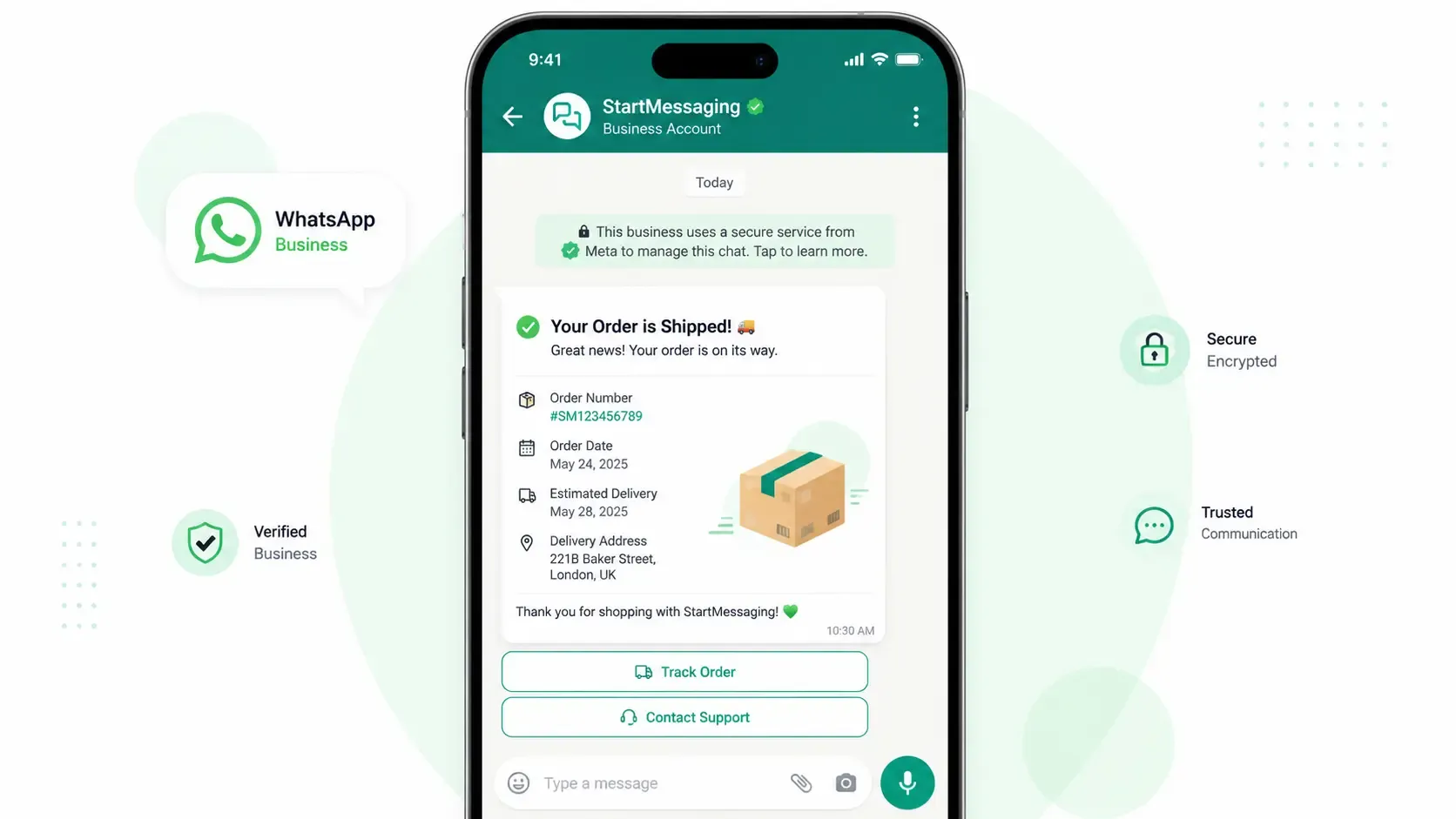
- Live phone preview as you type
Help Before and After Meta Reviews It
Start from the examples gallery or a blank template. The builder asks for a sample value for every variable, flags a body that starts or ends with a variable, and warns when a Marketing template has no opt-out line such as "Reply STOP to unsubscribe". If Meta rejects a template, you see the reason explained in plain words and can fix and resubmit it. If Meta moves a template to another category, a notice tells you, because the category sets what Meta charges. Anyone on the team can acknowledge that notice for everyone. If Meta pauses a template after customers block or report it, you can ask Meta to unpause it from the template page.
- Examples gallery for Utility, Marketing and Authentication
- Rejection reasons explained, then resubmit
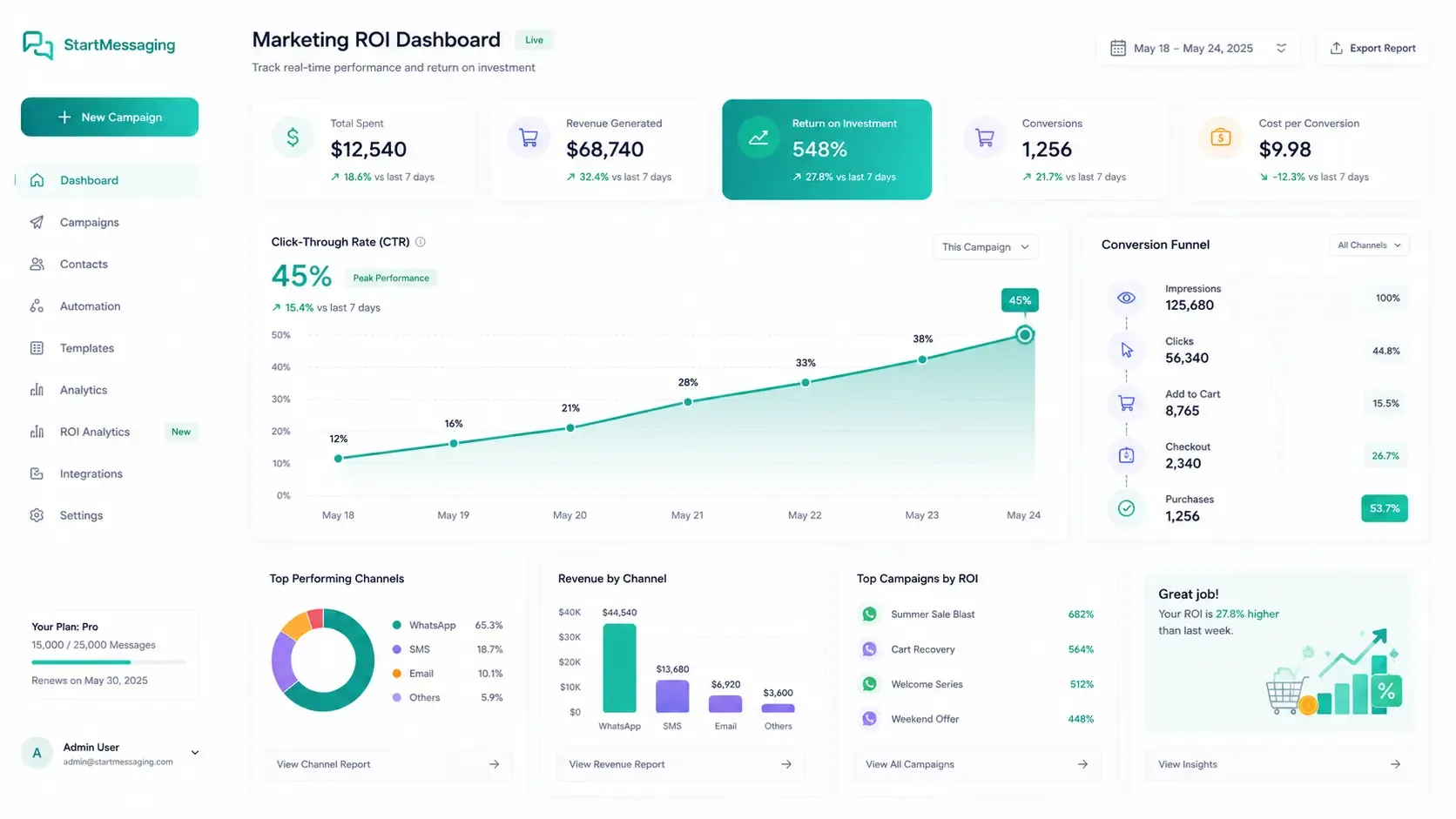
- Meta's per-template insights: sent, delivered, read and button clicks (Business plan)
Up to 10 Buttons and Everything Around Them
Give customers a way to act, then see what they did.
-
Reply and Link Buttons
Quick replies, URL buttons with a static or dynamic link, a phone-number button, and WhatsApp voice or video call buttons.
-
Commerce and Coupon Buttons
Copy code for coupons (up to 15 characters, WhatsApp's limit) and one-time passwords, catalog and multi-product buttons that open your Meta product catalog, and request contact info.
-
WhatsApp Form Buttons
Attach a WhatsApp Form (Meta Flow) synced from Meta to a Flow button. Answers come back as structured fields in the inbox, the API and webhooks.
-
Checks Before You Submit
Required samples for every variable, no variable at the start or end of the body, and an opt-out warning on Marketing templates.
-
Per-Template Insights
See how many messages were sent, delivered and read, and which buttons customers tapped, for each template. Meta's own numbers for each template are on the Business plan.
-
Send via API Panel
Each template shows exactly which parameters it needs and a request you can copy. The template.status_updated webhook tells you when Meta approves, rejects or pauses it.
Marketing vs. Utility vs. Authentication Templates
Meta sets the price by category and bills it directly to your own WhatsApp Business Account. StartMessaging never charges per message.
| Compare | Marketing | Utility | Authentication |
|---|---|---|---|
| Use it for | Promotions, offers, announcements, re-engagement | Updates on something the customer started: orders, bookings, payments, account alerts | One-time passwords and login codes |
| Billed by Meta to your WABA | Every delivered message | Every delivered message, including inside an open 24-hour window (since 1 October 2026) | Every delivered message |
| Typical template types | Standard, limited-time offer, carousel | Standard | Authentication (copy code, optional expiry) |
| Who writes the body | You | You | Meta (fixed code text, optional security warning) |
| Opt-out line | Builder warns if it is missing | Not checked | Not checked |
Check a template is approved, then send it
Templates are created in the dashboard and are read-only over the API: list them with GET /api/v1/templates and send approved ones with POST /api/v1/messages.
# 1. Check that the template is approved
curl "https://waba-api.startmessaging.com/api/v1/templates?status=APPROVED&name=order_confirmation&language=en_US" \
  -H "Authorization: Bearer sm_live_your_api_key"

# 2. Send it (body: "Hi {{1}}, your order {{2}} is confirmed.")
curl -X POST https://waba-api.startmessaging.com/api/v1/messages \
  -H "Authorization: Bearer sm_live_your_api_key" \
  -H "Content-Type: application/json" \
  -H "Idempotency-Key: order-1042-confirmed" \
  -d '{
    "to": "+919812345678",
    "type": "template",
    "template": {
      "name": "order_confirmation",
      "language": "en_US",
      "parameters": [
        { "text": "Asha" },
        { "text": "#1042" }
      ]
    },
    "clientReference": "order-1042"
  }'
const BASE = 'https://waba-api.startmessaging.com/api/v1';
const headers = {
'Authorization': 'Bearer ' + process.env.SM_API_KEY, // sm_live_your_api_key
'Content-Type': 'application/json',
};
// 1. Check that the template is approved (needs the templates:read scope)
const list = await fetch(
`${BASE}/templates?status=APPROVED&name=order_confirmation&language=en_US`,
{ headers },
);
const { data: templates } = await list.json();
if (templates.items.length === 0) throw new Error('order_confirmation is not approved yet');
// 2. Send it (needs the messages:send scope)
const res = await fetch(`${BASE}/messages`, {
method: 'POST',
headers: { ...headers, 'Idempotency-Key': 'order-1042-confirmed' },
body: JSON.stringify({
to: '+919812345678',
type: 'template',
template: {
name: 'order_confirmation',
language: 'en_US',
parameters: [{ text: 'Asha' }, { text: '#1042' }],
},
clientReference: 'order-1042',
}),
});
const { data } = await res.json();
console.log(data.id, data.status);import os, requests
BASE = 'https://waba-api.startmessaging.com/api/v1'
HEADERS = {'Authorization': f"Bearer {os.environ['SM_API_KEY']}"} # sm_live_your_api_key
# 1. Check that the template is approved
templates = requests.get(
f'{BASE}/templates',
headers=HEADERS,
params={'status': 'APPROVED', 'name': 'order_confirmation', 'language': 'en_US'},
).json()['data']
if not templates['items']:
raise RuntimeError('order_confirmation is not approved yet')
# 2. Send it
res = requests.post(
f'{BASE}/messages',
headers={**HEADERS, 'Idempotency-Key': 'order-1042-confirmed'},
json={
'to': '+919812345678',
'type': 'template',
'template': {
'name': 'order_confirmation',
'language': 'en_US',
'parameters': [{'text': 'Asha'}, {'text': '#1042'}],
},
'clientReference': 'order-1042',
},
)
data = res.json()['data']
print(data['id'], data['status'])<?php
$base = 'https://waba-api.startmessaging.com/api/v1';
$auth = 'Authorization: Bearer ' . getenv('SM_API_KEY'); // sm_live_your_api_key
// 1. Check that the template is approved
$ch = curl_init($base . '/templates?status=APPROVED&name=order_confirmation&language=en_US');
curl_setopt_array($ch, [CURLOPT_RETURNTRANSFER => true, CURLOPT_HTTPHEADER => [$auth]]);
$templates = json_decode(curl_exec($ch), true)['data'];
if (count($templates['items']) === 0) {
exit('order_confirmation is not approved yet');
}
// 2. Send it
$body = json_encode([
'to' => '+919812345678',
'type' => 'template',
'template' => [
'name' => 'order_confirmation',
'language' => 'en_US',
'parameters' => [['text' => 'Asha'], ['text' => '#1042']],
],
'clientReference' => 'order-1042',
]);
$ch = curl_init($base . '/messages');
curl_setopt_array($ch, [
CURLOPT_POST => true,
CURLOPT_RETURNTRANSFER => true,
CURLOPT_HTTPHEADER => [
$auth,
'Content-Type: application/json',
'Idempotency-Key: order-1042-confirmed',
],
CURLOPT_POSTFIELDS => $body,
]);
$data = json_decode(curl_exec($ch), true)['data'];
echo $data['id'] . ' ' . $data['status'];# A carousel template: body "Hi {{1}}, picks for you", each card with text "{{1}}"
# and a link button whose URL ends in a variable. Send every card, in order,
# each with its image or video.
curl -X POST https://waba-api.startmessaging.com/api/v1/messages \
-H "Authorization: Bearer sm_live_your_api_key" \
-H "Content-Type: application/json" \
-H "Idempotency-Key: festive-picks-919812345678" \
-d '{
"to": "+919812345678",
"type": "template",
"template": {
"name": "festive_picks",
"language": "en",
"parameters": [{ "text": "Asha" }],
"carouselCards": [
{
"headerMediaUrl": "https://cdn.example.com/products/kurta-blue.jpg",
"parameters": [{ "text": "₹1,299" }],
"buttonParameters": [{ "index": 0, "subType": "url", "text": "kurta-blue" }]
},
{
"headerMediaUrl": "https://cdn.example.com/products/kurta-red.jpg",
"parameters": [{ "text": "₹1,499" }],
"buttonParameters": [{ "index": 0, "subType": "url", "text": "kurta-red" }]
}
]
}
}'WhatsApp Templates — FAQ
How long does Meta take to review a template?
Meta reviews every template and sets the review time; StartMessaging doesn't approve templates. The template stays Pending until Meta decides. Subscribe to the template.status_updated webhook, or watch the Templates page, to know the moment it changes.
What happens if Meta rejects my template?
The template page shows Meta's reason, explained in plain words. Fix what caused it and save to resubmit the template to Meta, or duplicate it and start fresh.
Who pays for template messages?
Meta bills each delivered template, by its category, directly to your own WhatsApp Business Account (WABA). Since 1 October 2026 that includes utility templates sent inside an open 24-hour window. Free-form service replies are free up to a monthly allowance per number, then charged. StartMessaging charges a flat subscription and never adds a per-message fee.
Why did Meta change my template's category?
Meta can move an approved template between Utility and Marketing when its content looks promotional, which changes what each message costs. StartMessaging shows a notice on the Templates page when this happens or is scheduled, and the API always returns Meta's current category. Anyone on the team can acknowledge the notice, which hides it for everyone until the next change.
Can I create templates through the API?
No. Templates are created and submitted in the dashboard, where samples and media are checked before they reach Meta. The API lists templates (GET /api/v1/templates, templates:read scope) and sends approved ones with POST /api/v1/messages, carousels and limited-time offers included: a carousel takes template.carouselCards, one entry per card in order, each with its image or video on every send; a limited-time offer with a countdown takes template.offerExpiresAt, the offer's end time. Templates with a location header can't be sent through the API yet.
Which languages can I create templates in?
16: English (US), English (UK), Hindi, Arabic, Portuguese (BR), Spanish, Indonesian, Malay, Tamil, Telugu, Kannada, Malayalam, Marathi, Bengali, Gujarati and Punjabi. A template name exists once per language, so when you send it over the API you pass the name and the exact language code together.
Can I switch a template between numbered and named variables?
Not on the same template. Meta keeps a template's variable style — numbered {{1}} or named {{first_name}} — once it's created. To switch, duplicate the template and write the copy in the other style; the original keeps working while Meta reviews the copy. If Meta registered a template without its variables, it can't be sent until you fix or duplicate it.
What happens when Meta pauses a template?
Meta pauses a template when customers block or report it. It shows as Paused, campaigns using it pause too, and they carry on by themselves when Meta releases the template, unless its quality is still low. You can also ask Meta to unpause it from the template page; it shows as Approved once Meta confirms. A template Meta disables after repeated pauses doesn't come back.
Build Your First WhatsApp Template
Connect your own WhatsApp Business Account, start from an example and submit it to Meta during your 14-day free trial.