Know Which Ad Started Every WhatsApp Chat
When someone taps your Click-to-WhatsApp ad or boosted post, their first message carries the ad. StartMessaging saves it on the new contact, shows it in the CRM and sends it to your systems by webhook, so ad leads never arrive anonymous.
✦ 14-day free trial · Your own WhatsApp Business number · Meta bills messages directly
The Ad Travels with the First Message
You create and pay for ads in Meta Ads Manager. When a customer taps one and sends their first message, WhatsApp attaches a referral: the source type, the ad or post ID, its link, the headline, the ad text and a click ID (ctwaClid). StartMessaging reads it the moment the message arrives in your shared inbox.
- Works for Click-to-WhatsApp ads and boosted posts
- Headline, ad text, ad or post ID and link captured
- Click ID (ctwaClid) kept for your conversion reporting
- A “Free ad window ends…” pill while Meta’s 72-hour free window is open
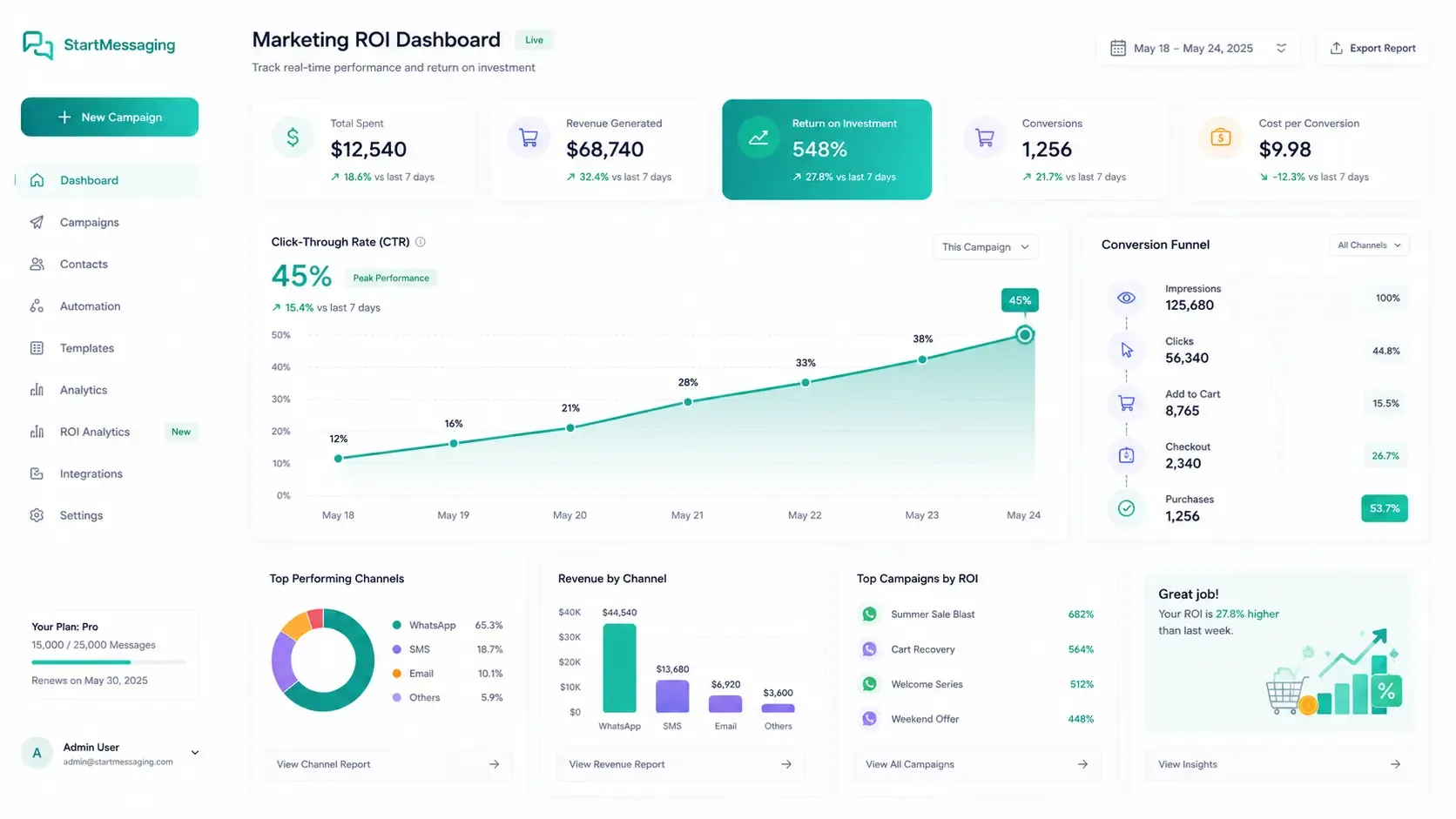
Every Ad Lead Lands in Your CRM with Its Ad
A contact created by an ad click gets the source "Click-to-WhatsApp ad" and the ad as custom fields: ctwa_source_type, ctwa_source_id, ctwa_source_url, ctwa_headline, ctwa_body and ctwa_clid. Open the contact and a "From a Click-to-WhatsApp ad" card shows the ad they tapped. The fields are set once, by that first message. A contact you already had keeps its original source and fields, and the referral still arrives on the message.received webhook.
- Lead source tracked as "Click-to-WhatsApp ad"
- Ad details saved as custom fields, set once
- Shown on the contact page next to tags and notes
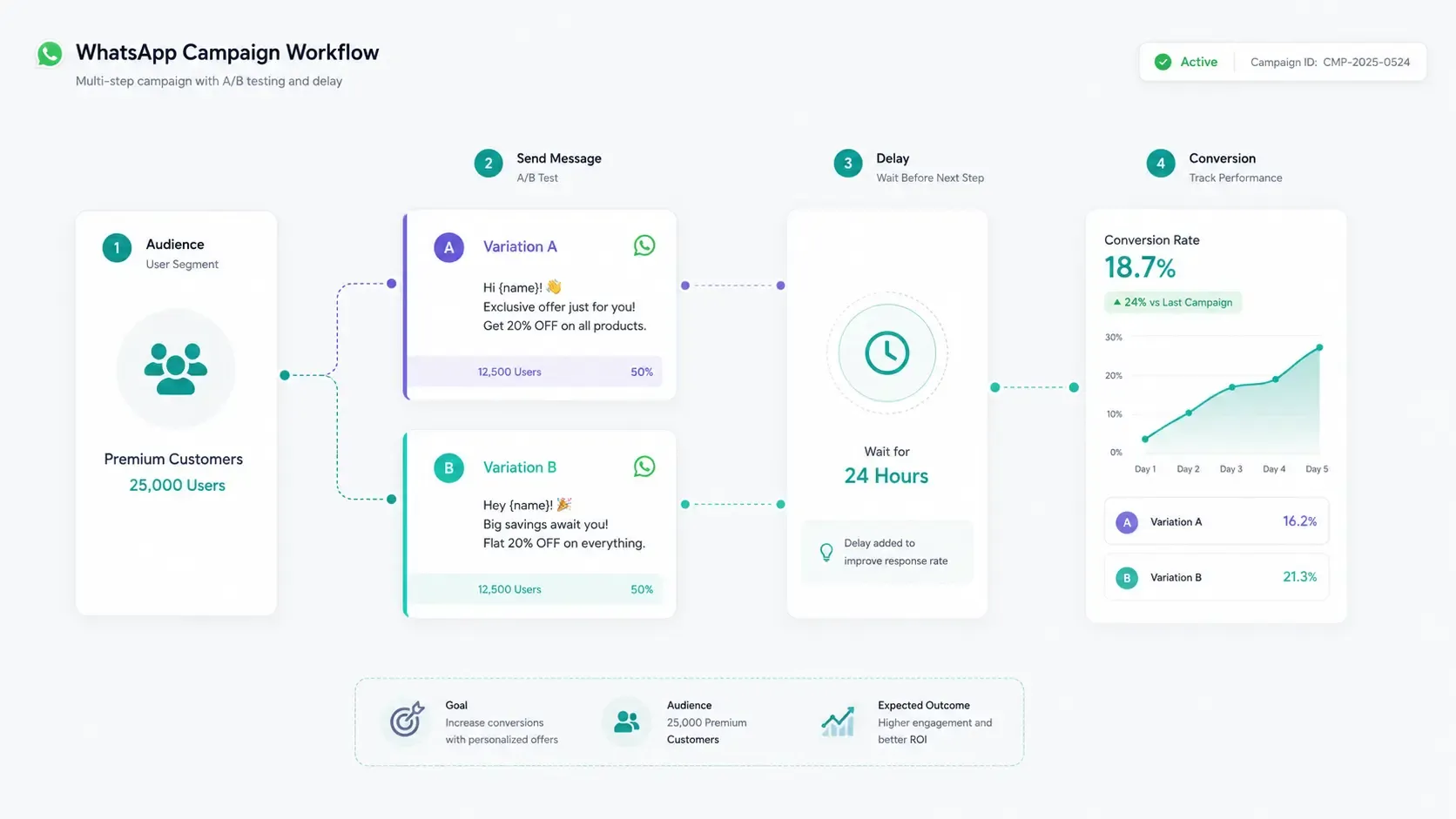
From Ad Tap to Qualified Lead
1. Run the ad in Meta Ads Manager
Create a Click-to-WhatsApp ad, or boost a post with a WhatsApp button, that opens a chat with the number you connected to StartMessaging.
2. The customer taps and writes
Their first message lands in your shared team inbox with the ad's referral attached.
3. The contact is created with the ad
A new contact gets the source ctwa_ad and the ctwa_* custom fields. Your systems receive the referral on message.received and the source on contact.created.
4. Route the lead
A chatbot flow on the first-message trigger greets every new chat, ad clicks included: ask qualifying questions, add a tag, move the contact to a pipeline stage and assign an agent.
5. Report the conversion yourself
When the lead buys, your own system sends the stored ctwaClid to Meta’s Conversions API; StartMessaging does not send conversions to Meta for you. To credit the sale to a StartMessaging campaign instead, report it with POST /api/v1/conversions on the Business plan.
One Referral, Three Places to Use It
Any referral field can be empty when Meta leaves it out.
| Ad data | On the contact (CRM) | message.received webhook | REST API |
|---|---|---|---|
| Source type, ad or post ID, link | ctwa_source_type, ctwa_source_id, ctwa_source_url | referral.sourceType, sourceId, sourceUrl | Contact attributes on GET /api/v1/contacts |
| Headline and ad text | ctwa_headline, ctwa_body (cut at 500 characters) | referral.headline, referral.body | Contact attributes |
| Click ID | ctwa_clid | referral.ctwaClid | Contact attributes |
| Lead source | "Click-to-WhatsApp ad" | source "ctwa_ad" on contact.created | source: "ctwa_ad" |
| An existing contact clicks an ad | Keeps its source and fields | ✓ The referral still arrives | Unchanged |
| Free entry point window (72 hours) | “Free ad window ends…” pill on the chat | freeEntryPointExpiresAt on the conversation |
Read the ad from the first message
Verify the X-SM-Signature header, then store referral.ctwaClid with the lead.
{
  "id": "evt_01JCA4M8ZP",
  "type": "message.received",
  "createdAt": "2026-10-07T09:15:04.000Z",
  "workspaceId": "ws_9f2c",
  "data": {
    "message": {
      "id": "msg_51c0",
      "conversationId": "conv_8e21",
      "contactId": "ct_4a7d",
      "from": "+919812345678",
      "type": "text",
      "text": "Hi, is the festive offer still on?",
      "media": null,
      "reply": null,
      "context": null,
      "form": null,
      "referral": {
        "sourceType": "ad",
        "sourceId": "120210000000000000",
        "sourceUrl": "https://fb.me/abc123",
        "headline": "Festive sale on silk sarees",
        "body": "Tap to chat with us on WhatsApp",
        "ctwaClid": "ARAkLkA8rmlFeiCktEJQ-QTwRiyYHAFDLMNDBH0CD3qpjd0HR4irJ6LEkR7JwFF4XvnO2E4Nx0-eM-GABDLOPaOdRMv-_zfUQ2a"
      },
      "timestamp": "2026-10-07T09:15:02.000Z"
    },
    "contact": {
      "id": "ct_4a7d",
      "phone": "+919812345678",
      "name": "Asha"
    }
  }
}
import express from 'express';
import { createHmac, timingSafeEqual } from 'node:crypto';
const app = express();
const SECRET = process.env.SM_WEBHOOK_SECRET; // the whole whsec_… string
function verify(rawBody, headers) {
const ts = headers['x-sm-timestamp'];
const sigs = headers['x-sm-signature'];
if (!/^\d+$/.test(ts ?? '') || typeof sigs !== 'string') return false;
if (Math.abs(Date.now() / 1000 - Number(ts)) > 300) return false;
const expected = createHmac('sha256', SECRET).update(`${ts}.`).update(rawBody).digest();
return sigs.split(',').some((part) => {
const m = /^v1=([0-9a-f]{64})$/.exec(part.trim());
return m !== null && timingSafeEqual(Buffer.from(m[1], 'hex'), expected);
});
}
app.post('/webhooks/startmessaging', express.raw({ type: 'application/json' }), async (req, res) => {
if (!verify(req.body, req.headers)) return res.sendStatus(401);
res.sendStatus(200); // answer within 5 seconds, then do the work
const event = JSON.parse(req.body);
if (event.type !== 'message.received') return;
const { referral, from } = event.data.message;
if (!referral) return; // not the first message from an ad
// Any referral field can be null when Meta leaves it out.
await saveAdLead({
eventId: event.id, // delivered at least once: deduplicate on this
phone: from,
adId: referral.sourceId,
headline: referral.headline,
ctwaClid: referral.ctwaClid, // keep it for Meta's Conversions API
});
// When this lead converts, your own server sends ctwaClid to Meta's
// Conversions API. StartMessaging does not send conversions to Meta.
});import hmac, hashlib, json, os, time
from flask import Flask, request
app = Flask(__name__)
SECRET = os.environ['SM_WEBHOOK_SECRET'].encode() # the whole whsec_… string
def verify(raw_body, ts, sigs):
if not ts or not ts.isdigit() or not sigs:
return False
if abs(time.time() - int(ts)) > 300:
return False
expected = hmac.new(SECRET, f'{ts}.'.encode() + raw_body, hashlib.sha256).hexdigest()
return any(
hmac.compare_digest(part.strip()[3:], expected)
for part in sigs.split(',') if part.strip().startswith('v1=')
)
@app.post('/webhooks/startmessaging')
def startmessaging_webhook():
raw = request.get_data()
if not verify(raw, request.headers.get('X-SM-Timestamp'), request.headers.get('X-SM-Signature')):
return '', 401
event = json.loads(raw)
if event['type'] == 'message.received':
message = event['data']['message']
referral = message.get('referral')
if referral: # first message from a Click-to-WhatsApp ad
save_ad_lead(
event_id=event['id'], # deduplicate on this
phone=message['from'],
ad_id=referral.get('sourceId'),
headline=referral.get('headline'),
ctwa_clid=referral.get('ctwaClid'), # for Meta's Conversions API
)
return '', 200Click-to-WhatsApp Ads — FAQ
Do I create the ads in StartMessaging?
No. You create, target and pay for Click-to-WhatsApp ads in Meta Ads Manager, or boost a post from your Facebook Page or Instagram account. Point the ad at the WhatsApp number you connected to StartMessaging, and StartMessaging reads the ad from each new chat it starts.
What does StartMessaging capture from the ad?
Whatever Meta sends in the referral on the first message: the source type, the ad or post ID, its link, the headline, the ad text and the click ID (ctwaClid). Any of them can be empty when Meta leaves it out. A new contact stores them as the custom fields ctwa_source_type, ctwa_source_id, ctwa_source_url, ctwa_headline, ctwa_body (cut at 500 characters) and ctwa_clid.
What happens when an existing contact clicks an ad?
The contact keeps its original source and custom fields; they are set only once, by the message that created the contact. The referral still arrives on the message.received webhook, so your own system can record the new ad click.
Does StartMessaging send conversions to Meta's Conversions API?
No. StartMessaging keeps the click ID (ctwaClid) on the contact and on the webhook. When a lead converts, your own server, or an automation tool you control, sends the ctwaClid to Meta's Conversions API. To credit a sale to a StartMessaging campaign, the Business plan adds POST /api/v1/conversions: report the sale with the customer’s phone, and the last campaign delivered to them within your conversion window gets the credit.
Does Meta charge for messages in an ad chat?
Not inside the free entry point window. When a customer writes in from a Click-to-WhatsApp ad and you reply in time, Meta opens a 72-hour free entry point window in which it charges nothing for messages in that chat, templates included. The inbox shows a “Free ad window ends…” pill until then, and the API returns the end time as freeEntryPointExpiresAt on the conversation. The window doesn’t replace the 24-hour rule: once the customer’s 24 hours have passed, you still need an approved template. After it ends, Meta’s normal rates apply.
Can I reply to ad leads automatically?
Yes. A chatbot flow with the first-message trigger starts on a contact's first message in the chat, so it greets every new chat, including ad clicks. It can ask questions, add tags, move the contact to a pipeline stage and hand the chat to an agent. Keyword auto-replies work too. Because the customer wrote first, the 24-hour window is open and you can reply with free-form messages. Chatbot flows are on the Business plan and the 14-day free trial; keyword auto-replies are on Team and Business.
Can I send ad leads to my own CRM or spreadsheet?
Yes. Subscribe to message.received (it carries the referral) and contact.created (it carries source "ctwa_ad"), or sync with GET /api/v1/contacts and updatedSince, which returns each contact's source and ctwa_* attributes. Zapier, Make and Pabbly Connect work through their generic webhook and HTTP modules; there are no official StartMessaging apps in those marketplaces yet.
Related Pages
Turn Ad Clicks into Tracked Leads
14-day free trial. Connect your own WhatsApp Business number and see the ad behind every new chat.